Fixed-Mount Barcode Scanners in Logistics Sorting: From Selection to Deployment
Logistics sorting lines are one of the densest application areas for fixed-mount barcode scanners: parcels move at 1~3 m/s, barcode orientation is random, and the environment has dust and vibration. This guide covers selection parameters, installation, and PLC integration — everything you need to spec and deploy conveyor scanners.
1. Why sorting lines need fixed-mount scanners
Handheld scanners can't keep up with throughput of thousands of parcels per hour. Fixed-mount scanners deliver:
- Unattended operation — mounted on gantries/stands, reading automatically as parcels pass
- Moving-code reading — decodes barcodes while the parcel is in motion
- Multi-side coverage — top + side combinations solve random barcode orientation
- Line integration — real-time barcode data to PLC or WMS via IO/serial/Ethernet for automatic sorting & traceability
2. Six key selection parameters
1. Moving-code reading capability (the most important)
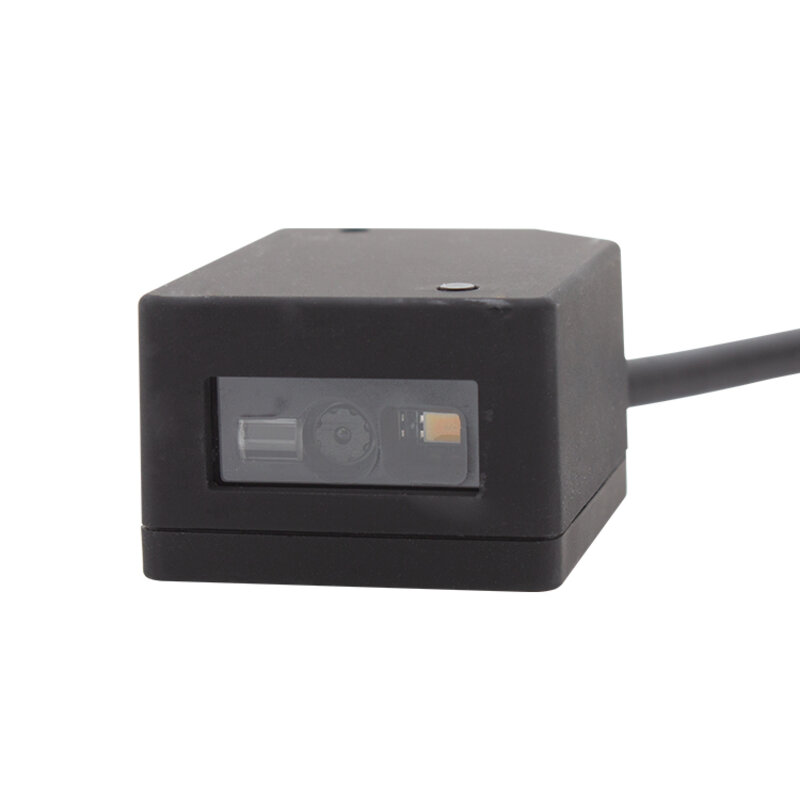
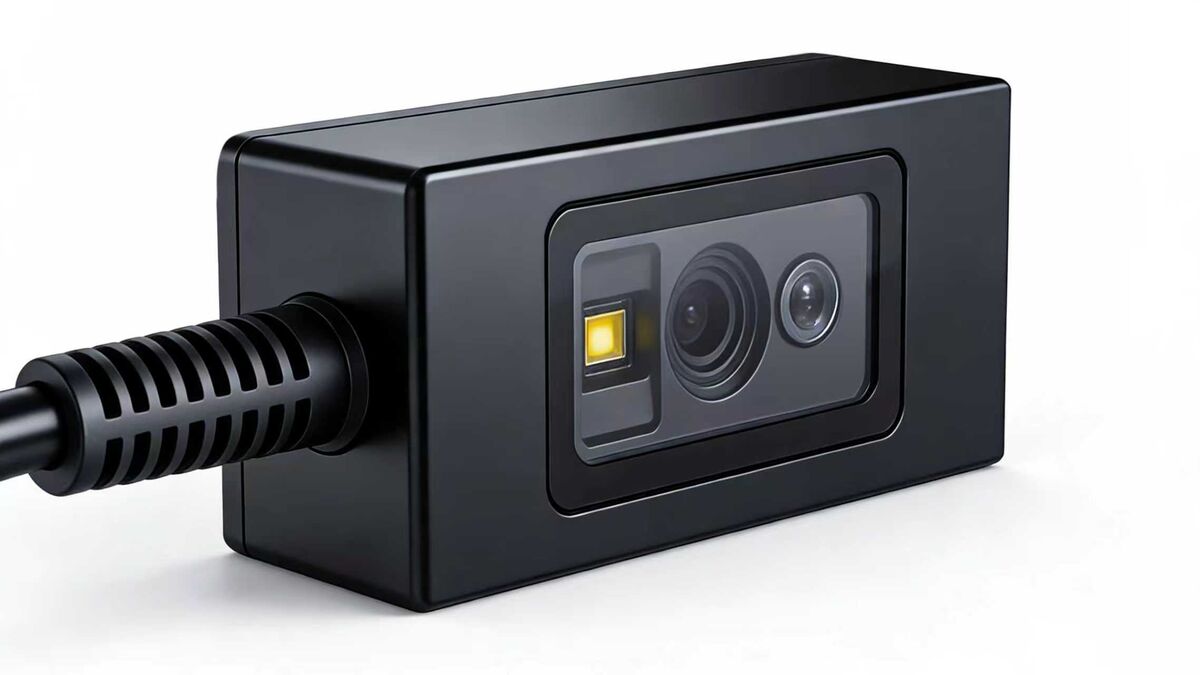
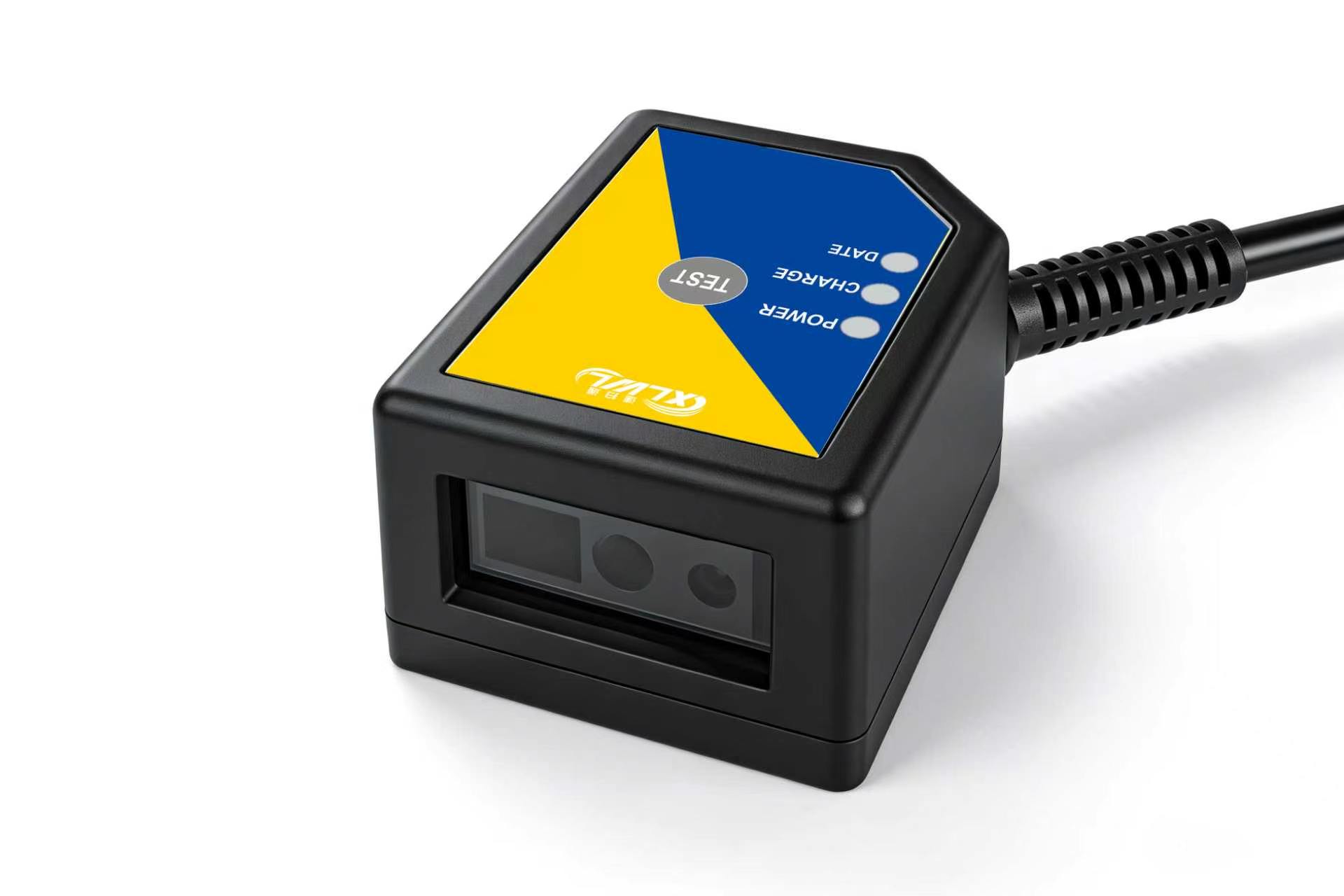
The worst failure is "no read". Check the manufacturer's motion tolerance / max line speed. Xinlong G4503 industrial fixed-mount scanner supports high-speed moving-code reading for typical 1~3 m/s sorters; for higher speeds or larger parcels, consider multi-scanner setups or a higher-tier solution.
2. Symbologies & depth of field
Courier labels are mostly Code 128 / QR Code, some with Data Matrix. Confirm full symbology support (all 1D + QR Code + Data Matrix + PDF417). Depth of field determines how far from the belt the scanner can still read reliably — choose large DOF when mounting height is constrained.
3. Communication interfaces
| Interface | Use case | Best for |
|---|---|---|
| RS232 / Serial | Direct to industrial PC / read station | Single station, data collection |
| Ethernet | Networked deployment, remote management | Multi-station lines, WMS integration |
| IO (in/out) | Trigger scan, output result signal | PLC / photo-sensor integration |
| USB | Plug & play debugging | On-site setup, small stations |
For logistics, strongly prefer models with IO interface for PLC and photo-electric triggering. G4503 supports RS232/Ethernet/USB and provides IO for PLC integration.
4. IP rating
Sorting floors have dust, possible oil mist and moisture. Industrial fixed scanners should be IP65 or better. G4503 is rated IP65 for harsh industrial environments.
5. Trigger modes
Three common modes: photo-sensor trigger (scan when parcel arrives), continuous scanning (always reading, for high-speed lines), and external IO trigger (PLC decides when to scan). Confirm your model supports the mode you need — G1103 offers manual/command/presence/continuous trigger modes.
6. Operating temperature & reliability
Ambient warehouse temps are usually fine, but cold-chain sorting (down to -20°C) requires confirmed low-temp specs. For 24/7 operation, also check heat dissipation design and MTBF.
3. Installation & deployment tips
- Random orientation? Top codes: gantry top-down scan. Side codes: two side scanners facing each other across the belt. Six-side: "top + dual side + bottom" (bottom needs transparent belt or openings).
- Height & angle: Adjust within DOF range; aim the lens straight at the code face, keep tilt within the vendor's recommendation (usually ≤30°). Too steep kills read rates.
- Light interference: Strong sunlight or bright ceiling lights cause glare — add a hood or choose polarized optics.
- Secure mounting: Sorting lines vibrate; use locking mounts so the lens doesn't drift over time.
- Small-scale trial first: Test with real labels (varying print quality, damaged, wrinkled) at target belt speed before full rollout.
4. PLC & data integration
Typical data flow on a sorting line:
Photo trigger → scanner decodes → barcode via RS232/Ethernet → PLC or read station → WMS matching & sort command
Three things to get right:
- Handshaking: Confirm NAK/ACK or XON/XOFF flow control to avoid data loss at high throughput
- Output format: Configure prefix/suffix (CR/LF, fixed headers) to match your WMS parser
- IO signals: Use read success/fail signals to drive a reject mechanism, automatically diverting unread parcels to a manual line
5. FAQ
Related Products
Related Articles
Planning a sorting-line reading solution?
Tell us your line speed, parcel size and barcode orientation — free reading solution design + sample testing.
📞 Contact Xinlong IoT