Barcode Print Quality and ANSI/ISO Grades: Why Label Quality Decides Read Rates
When a barcode reads on the bench but fails on the line, the scanner is rarely the problem — the printed label is. ANSI/ISO grades turn “how readable is this code” into an acceptance number that sets how much tolerance the reader has left.
1. Three Parameters That Decide Everything
X dimension and narrow element width
The narrow element width is the thinnest bar or space in the symbol — the “mil” figure on a label spec, where 1 mil = 0.0254 mm. X sets both the overall length of the code and its sensitivity to print error: the smaller X is, the larger the share of every element lost to ink spread.
Magnification factor
Magnification is the ratio of the actual X to the reference size of the symbology. A lower factor packs the elements tighter, so it demands more printer resolution and better stock; below roughly 0.8, thermal transfer edges normally soften.
PCS — print contrast signal
PCS = (space reflectance − bar reflectance) / space reflectance × 100%. Most 1D symbols need 50% or more; the “minimum contrast 20%” in a scanner datasheet is a device limit, not a label specification.
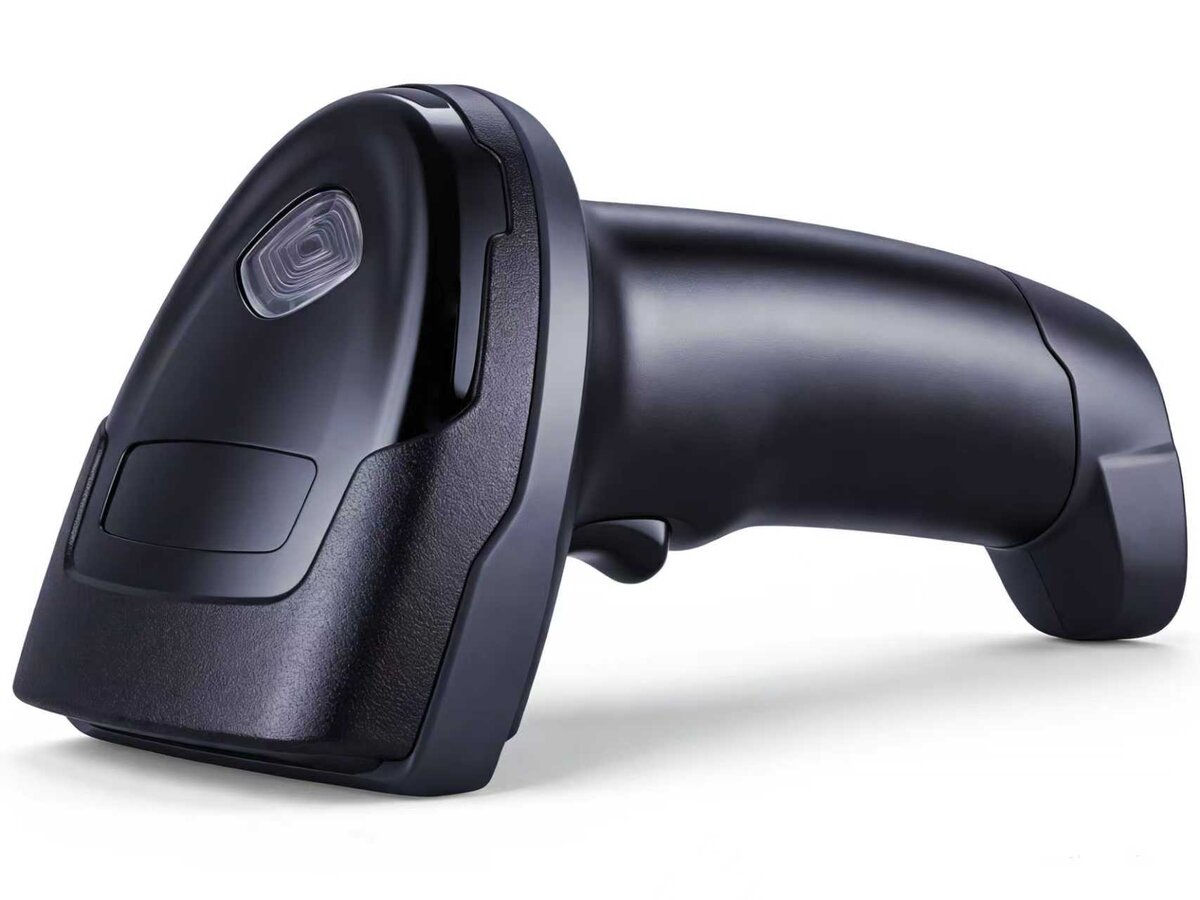
Print quality on the label decides how much tolerance the reader has left
2. What an ANSI/ISO Grade Actually Measures
Grades A–F come from ISO/IEC 15416 (1D) and 15415 (2D): every parameter is scored and the worst one sets the grade. A higher grade means the reader tolerates more variation in light and angle.
- Edge determination: are bar and space boundaries clean enough to be told apart? When this fails, the line already shows broken bars and smeared edges.
- Contrast: the reflectance difference between bars and spaces. Pale ribbons, yellowed thermal paper and glossy laminate all pull it down.
- Modulation: the weakest bar/space pair measured against the overall contrast, which catches locally under-printed columns.
- Defects: voids, spots, smudges and inkjet spatter, counted by area; low-resolution printing loses most points here.
- Quiet zone: the clear margin on each side, about 10X wide. Borders, text, tape or a neighbouring label over it makes the decoder give up.
- Decodability: the margin computed by the reference algorithm — the distance between “can read” and “reads reliably”.
3. Why Labels Fail on the Floor
1. Printhead wear and the wrong ribbon
A worn printhead heats unevenly and produces vertical white lines and pale patches. Wax ribbon on synthetic stock, or mixed wax/resin on a laminated surface, prints black but soft-edged.
2. Resolution against the narrowest bar
203/300/600 dpi mean dot pitches of about 0.125/0.085/0.042 mm. A narrow bar needs two to three dots to exist: 10 mil at 203 dpi is marginal, 5 mil needs 600 dpi.
3. Direct thermal where thermal transfer belongs
Thermal paper is cheap, but heat, abrasion and UV fade it, and PCS falls off a cliff after a few months. Archive, cold chain and oily environments need thermal transfer with a resin ribbon.
4. Substrate and laminate glare
Glossy coated stock, gloss laminate and bare metal reflect light specularly and wipe out PCS; moving the label to a matt material is usually faster than tuning the reader.
5. Inkjet and laser marking carry their own limits
Inkjet dots are irregular and spatter, costing points on defects; laser marking relies on ablation and often reaches only 30–40% contrast. Both need a larger magnification factor.
4. Grade Too Low? Fix It in This Order
- Measure first with a verifier or a grade-outputting reader; get per-parameter scores instead of swapping consumables by feel.
- Uniformly pale code: renew the printhead, raise darkness and slow the speed, and match ribbon type to stock.
- Poor defect scores: lower print speed, raise dpi; in inkjet, use smaller drops and wider spacing.
- Low modulation: check coating uniformity and print pressure across the web.
- Quiet zone short: re-lay out the label and leave 10X clear on both sides.
- Glare: switch to matt stock and drop the gloss laminate, or add polarised illumination.
- Archive labels: move from direct thermal to thermal transfer with resin ribbon.
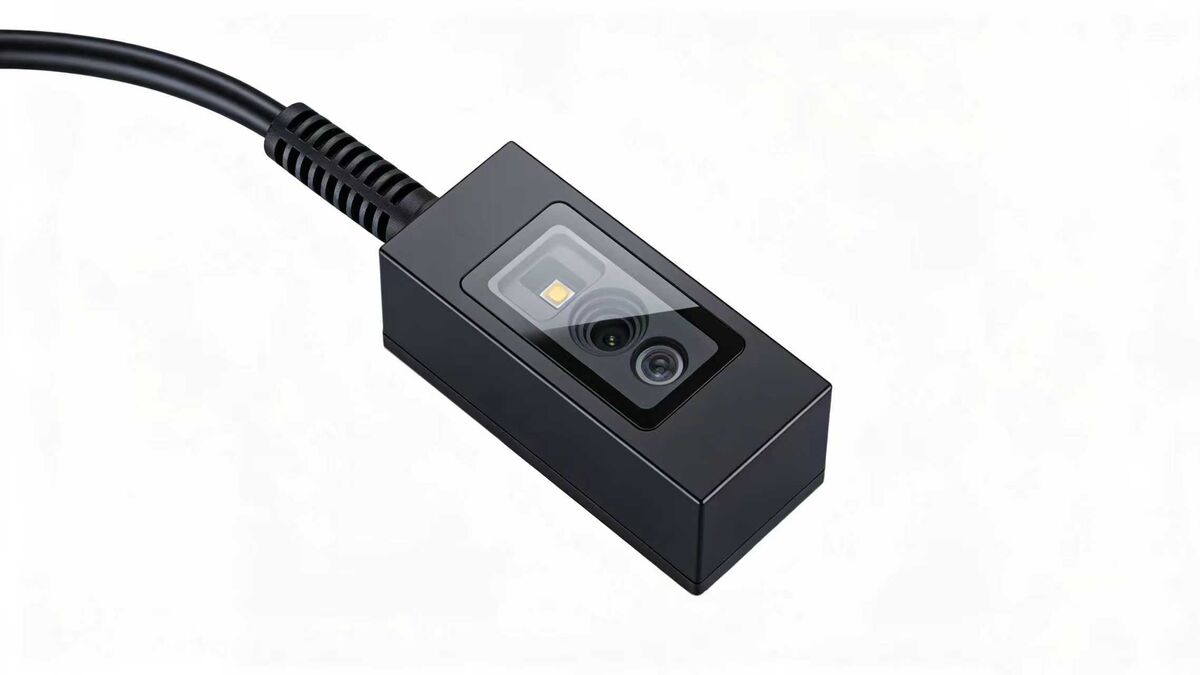
On the line: settle the grade first, then mounting distance and triggering
5. Grade Parameter to Field Symptom to Fix
| Grade parameter | Symptom on site | Fix |
|---|---|---|
| Edge determination | Broken bars, smeared edges, repeated re-triggers | Renew printhead, slow the printer, raise dpi |
| Contrast / PCS | Code looks grey; fails a little further away | Raise darkness, match ribbon, use matt stock |
| Modulation | One column is pale; reads intermittently | Check coating uniformity and print pressure |
| Defects | Voids and smudges; higher error rate | Change label supplier; smaller drops, wider spacing |
| Quiet zone | Some labels in a batch read, others do not | Re-lay out the label, leave 10X clear on both sides |
| Decodability | Reads up close, fails at working distance | Raise the overall grade or change the optics |
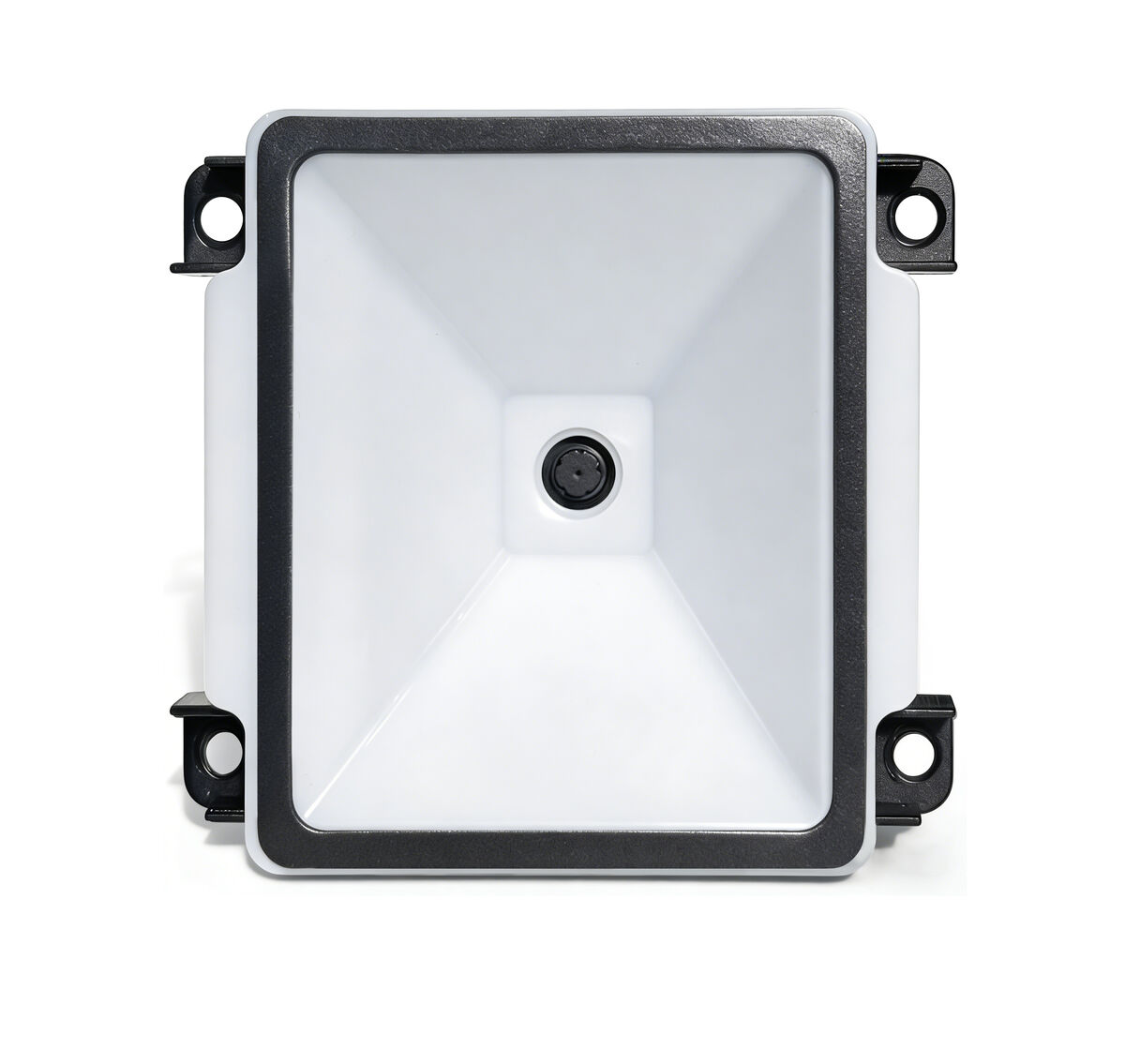
Once the label process is right, the reader choice gets much wider
Related products

Related articles
Bad grades you cannot fix, or a reader that does not fit the application?
Send a photo of the code, its X dimension and your mounting distance — we will recommend a model and a mounting setup. Evaluation samples are available.
📞 Contact Xinlong IoT