Barcode Technology in Library & Archive Management: From Cataloging to Inventory
Libraries, archives and reference rooms look like they have little to do with "scanning" — but one small barcode can multiply efficiency across cataloging, check-out, inventory, shelving and tracking. This article follows the real workflows of libraries and archives to break down barcode scenarios and how to equip scanners.
1. The 5 Major Barcode Scenarios in Library & Archive Management
1. Cataloging & Admission Registration
New books arrive, get a barcode (collection number), then are entered into the system. One scan auto-links title, ISBN and classification — far faster than typing by hand, with no miskeyed numbers. In bulk arrivals, continuous scanning shows its advantage clearly.
2. Check-Out / Return Registration
Lending and returns are the most frequent operations in a library. Staff scan the reader card + book barcode — two scans and it is done. Self-service check-out machines embed barcode scan modules so readers operate on their own, easing peak-hour queues.
3. Collection Inventory
Traditional inventory relies on manually checking shelf labels — a whole stack cannot be finished in a day. With a wireless scanner, shelf-by-shelf scanning uploads data in real time; misplaced and missing books are flagged on the spot, improving inventory efficiency 3–5×.
4. Shelving & Shelf Straightening
Returned books must go back. Scan the spine barcode and the system tells you exactly which shelf the book belongs on — newcomers get up to speed fast and misshelving drops.
5. Archive Borrowing & Tracking
Once archive files and documents carry barcodes, inbound/outbound registration, borrowing flow and return status are all queryable — satisfying complete "who borrowed what archive, when" tracking requirements and making audits easier.
2. Matching Scanners to Each Scenario
| Scenario | Recommended Device | Why |
|---|---|---|
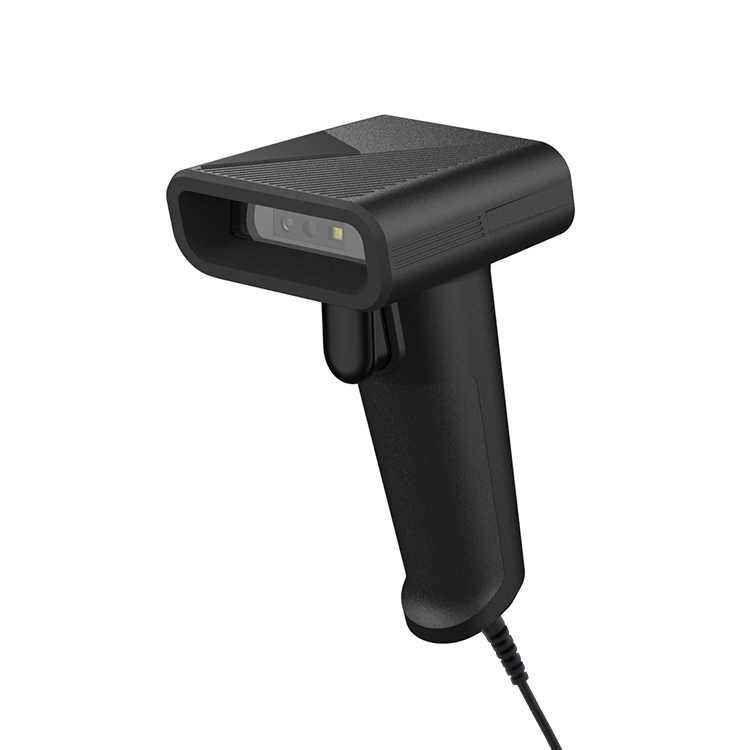
| Cataloging / circulation desk | XL-S9522 desktop scanner | USB plug-and-play, stable continuous scanning, great value |
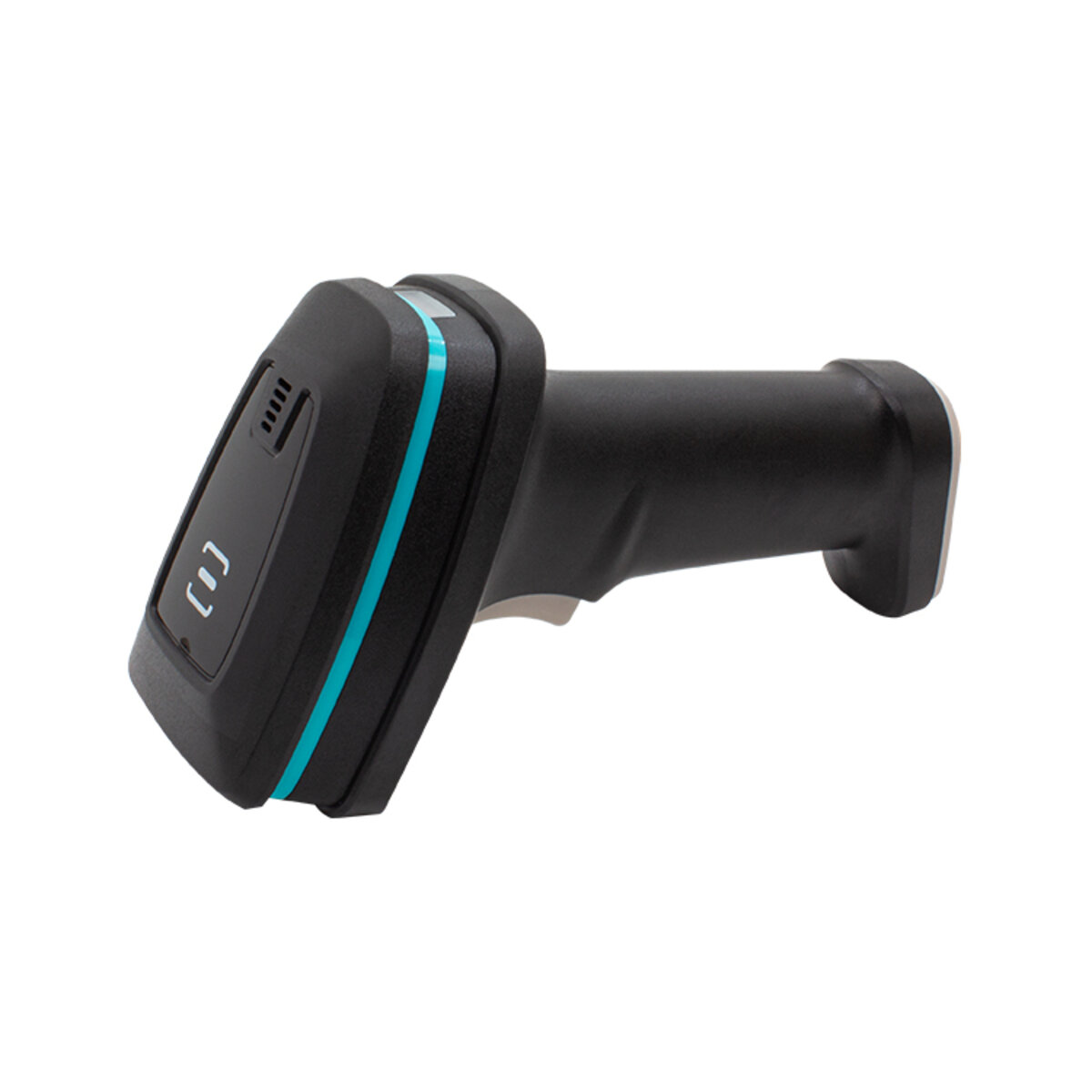
| Inventory / shelf straightening | XL-W66HD wireless scanner | 30 m Bluetooth range, 8-hour battery, mobile inventory without dropouts |
| Self-service check-out / card machines | F4100 embedded scan module | Small and easy to embed, supports screen codes (reader's phone lending code) |
| Compact shelving / archive rooms | BX20 wireless 2D scanner | 2.4G/Bluetooth dual mode, 90-day battery for long inventories |
3. Implementation Tips
- Place barcodes consistently: stick them uniformly at the top-left of the cover or on the spine so the scan angle is consistent and the read rate is higher
- Keep barcode backups: wear is normal — print two copies at cataloging (one on the book, one archived)
- Test scanner + system together: confirm the scanner output format (Enter suffix) matches the library management system; trial 50 books on-site before rolling out
- Locate misshelved books during inventory: a wireless scanner on an inventory cart is an order of magnitude more efficient than handheld + handwritten notes
4. FAQ
Related Products
Related Articles
Building a library / archive smart solution?
Tell us your scenario (counter, inventory or self-service machines) — free equipment solution design + sample testing.
📞 Contact Xinlong IoT