How to Choose a Barcode Scan Module: Embedded Scan Engine Selection Guide
Building a kiosk, turnstile, medical terminal or industrial line? Many engineers see a wall of spec sheet numbers the first time they evaluate a barcode scan module (also called an embedded scan engine). This guide breaks selection down into 7 must-check parameters + 4 common mistakes, so you can make the right call in 10 minutes.
1. What is a barcode scan module?
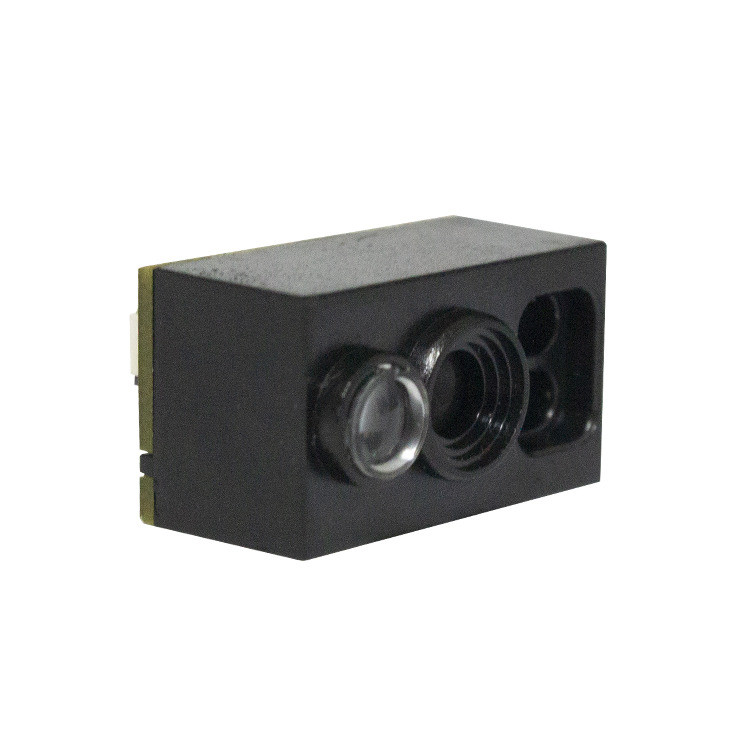
A barcode scan module is a "bare engine" without housing, trigger or display — composed of an image sensor (CMOS), decoding chip, optics and communication interfaces. Integrators embed it into vending machines, turnstiles, medical equipment and industrial lines, connecting it to their mainboard to add scanning capability.
Compared with handheld scanners, modules offer:
- Compact size — the smallest OEM engines measure just 21.6×14.7×14mm and weigh ~5g
- Flexible interfaces — USB / TTL / RS232 / RS485, with custom options
- Customization — supply voltage, trigger modes, and mechanical design can be adapted
- Cost control — volume purchasing + in-house integration lowers per-unit cost
2. Seven must-check selection parameters
1. Reading precision (mil) — can it read "small codes"?
Precision is expressed in mil (1 mil = 0.0254mm) — the smallest bar/space element width the engine can decode. Lower numbers read finer, denser codes. Typical references:
| Precision | Typical applications | Example models |
|---|---|---|
| ≥3.3 mil | High-density electronics, precision manufacturing traceability | F4100, XL-F3-BW |
| ≥5 mil | Retail, ticketing, medical sample labels | XL-108, XL-F24 |
| ≥6~10 mil | Logistics labels, warehouse shelf codes | XL-F25 |
2. Symbology support — confirm your codes are covered
Beyond common 1D codes (Code 128, EAN/UPC, Code 39) and 2D codes (QR Code, Data Matrix, PDF417, Aztec), regional standards matter — e.g. China's Hanxin Code (GM Code) used in healthcare and government applications. All Xinlong modules support QR Code, Data Matrix, PDF417 and full 1D symbologies; several models natively support Hanxin.
⚠️ If you only need screen codes (mobile payment codes), confirm screen-code reading performance explicitly — glare and reflectivity can kill read rates.
3. Communication interface — how your mainboard receives data
| Interface | Features | Best for |
|---|---|---|
| USB | Plug & play, HID keyboard mode, no driver | Kiosks, PC peripherals |
| TTL 232 | Direct MCU connection, low power | Embedded boards, IoT devices |
| RS232 / RS485 | Industrial bus, noise-immune, long distance | Factory lines, PLC integration |
| WiFi / Bluetooth | Wireless, no cabling | Mobile devices, wireless kiosks |
Most modules offer USB + TTL dual interfaces. Need RS485 or wide voltage input? Most manufacturers support customization (e.g. XL-F25 can be customized to 5~16V input).
4. Power consumption & supply — critical for battery devices
For mobile/handheld devices, check typical operating current. For example XL-F3-BW draws only ~200mW typical (3.3V) — ideal for battery-powered devices. Mains-powered kiosks are less sensitive to power; prioritize performance instead.
5. Size & mounting
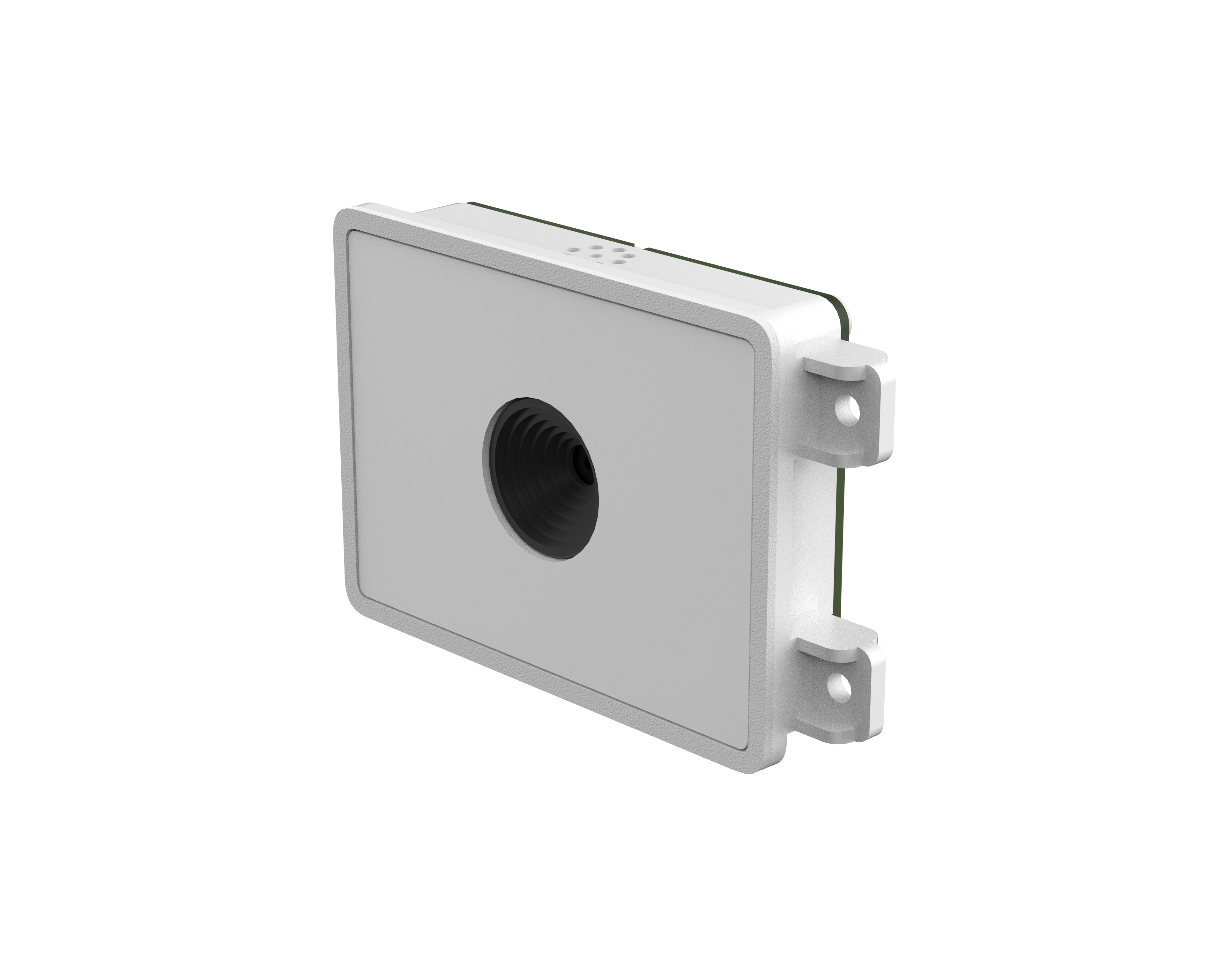
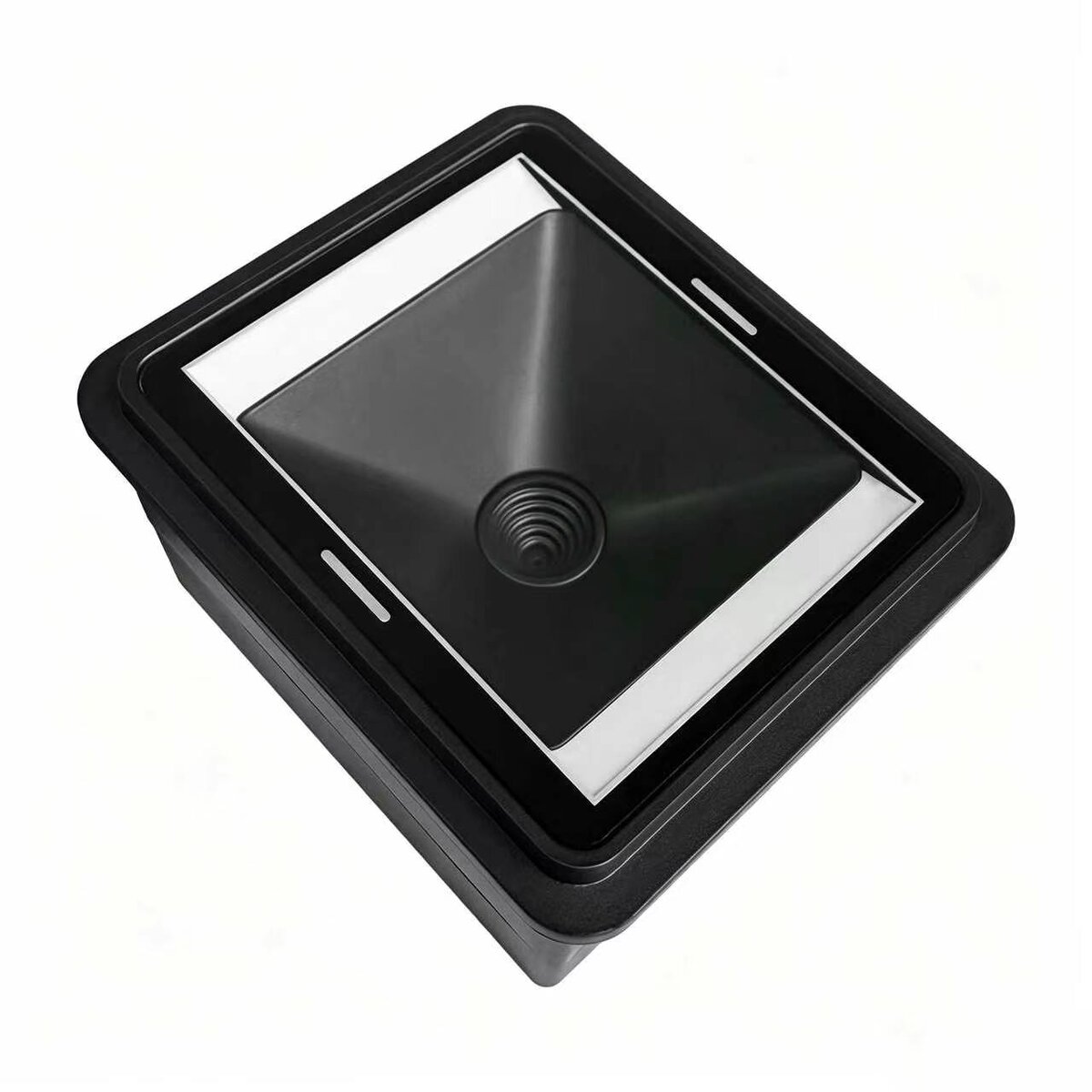
Measure your available internal space first. Ultra-compact engines (20mm class) fit scanners and handheld POS; framed modules (60mm class) fit turnstiles and kiosks; fixed engines (like G1103, 49×37×26mm) mount directly at workstations.
6. Reading distance & depth of field
Near-field (5~20cm) suits payment codes and ID reading; mid-range (20~50cm) suits smart lockers and self-service cabinets; long range / large DOF suits high-bay warehouse and line scanning. Ask the manufacturer for DOF curves per symbology — far more reliable than marketing pages.
7. Environmental robustness — the hidden requirement of industrial use
| Parameter | Why it matters | Reference |
|---|---|---|
| Operating temperature | Outdoor / cold-chain equipment | -20°C ~ +60°C |
| IP rating | Dust/water protection for dusty lines | IP42 ~ IP65 |
| Drop / vibration | Handheld devices get dropped | 1.2~1.5m |
3. Recommendations by application
🏪 Self-checkout / Vending / Pickup lockers
Recommended: F4100 (0.3MP, screen-code support), G1103 (800×600, presence/serial trigger modes). Focus: screen-code read rate, trigger response.
🚇 Turnstiles / Access control / Transit POS / Government terminals
Recommended: XL-F24 (wide voltage, vibration-resistant, SDK included), F21-NFC (scan + NFC combo for identity verification). Focus: decode speed, error rate, SDK support.
🏥 Medical terminals / Lab equipment / Dispensing machines
Recommended: F4100 (Data Matrix small-code support), F42-MRZ (MRZ travel-document reading for self check-in). Focus: Data Matrix capability, low-contrast adaptation.
🏭 Factory lines / Sorting / Traceability
Recommended: G4503 (IP65, moving-code reading, IO for PLC), XL-F3-BW (1280×960 high resolution for small/complex codes). Focus: motion tolerance, triggers, bus communication.
📟 Scanner / POS / handheld terminal integration
Recommended: XL-108 (21.6×14.7×14mm ultra-compact, green aiming), XL-F3-BW (5g ultra-light). Focus: size, power, mechanical fit.
4. Four common selection mistakes
- Judging by resolution only. More pixels ≠ reading finer codes. Precision depends on optics and decode algorithms — test your actual smallest code.
- Skipping screen-code tests. Phone screens suffer moiré, glare and brightness variation. Paper-code performance doesn't predict screen-code performance — test with real phones.
- Forgetting SDK & debug tools. 2nd-level development support determines integration time. Good vendors provide SDK, demos and debug software (like ImageTool) that can save weeks.
- Going straight to production. For industrial use, run aging tests first (thermal, vibration, continuous decode) before volume orders.
5. FAQ
Related Products
Related Articles
Not sure which module fits your project?
Send us your application, target symbologies and available space — we'll help with free selection advice and sample testing.
📞 Contact Xinlong IoT