Choosing the Right Barcode Scanner Interface: USB-HID, Virtual COM, TTL232, RS232, RS485 & Ethernet Explained
The most under-estimated decision in device integration: pick the wrong interface and even a perfect scan module never goes live. You only find out after the module arrives — the board has no USB host, the serial levels don't match, the cable has to run ten metres. This guide covers the seven interfaces seen in barcode hardware, what each one suits, the pitfalls that bite, and finishes with an interface matrix of our models.
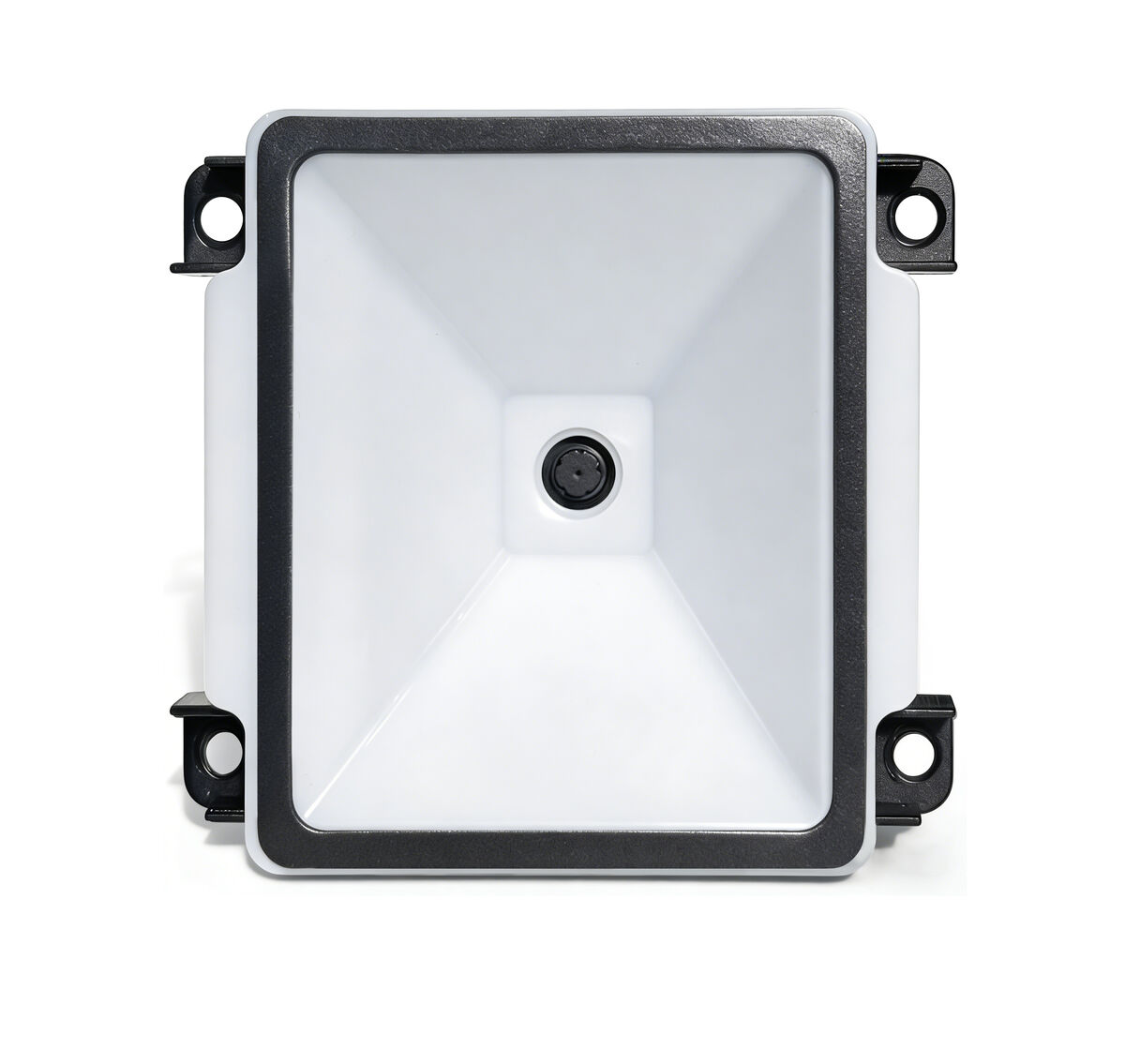
Embedded scan module · the interface decides whether it fits into your device
1. Why the interface bites harder than performance
When selecting a module, everyone compares resolution, depth of field and supported symbologies first — the interface gets confirmed last. On site, though, projects rarely stall on read rate. They stall on the boring things: only one UART left on the board, an 8-metre cable run, a system that will not take a driver, five readers inside one cabinet.
The interface decides four fundamentals: whether a driver is needed, how far the data can travel, whether the module needs its own supply, and whether several devices can share one bus. Settle the interface first, then talk performance.
2. The seven interfaces and what each suits
USB-HID keyboard emulation
Scan results are typed out as keyboard input — driver-free and plug-and-play, recognised by Windows PCs, Android boards and all-in-one terminals. Ideal for POS, office and workbench scanning where the code simply lands in a text field. The downside: input depends on focus and keyboard layout, and with several readers online you cannot tell which one scanned.
USB virtual COM (CDC)
Same USB cable, but the device appears as a serial port, so your application reads it through the serial API — controllable and identifiable per device. Common in kiosks and industrial PCs. The trade-off: the system must recognise the VID/PID, and trimmed-down OS images may still need a driver before a COM port appears.
TTL232
Wired straight to the host MCU UART at 3.3 V or 5 V — just VCC, GND, TX and RX. Lowest cost and smallest footprint, which is why it dominates embedded modules. Keep the run under roughly 20–30 cm; longer traces pick up noise.
RS232
±12 V signalling, strong noise immunity, cable lengths of ten metres and more — the standard on industrial equipment, legacy PLCs and weighing indicators. It looks similar to TTL but is electrically completely different; connecting the two directly is a classic way to damage a port.
RS485
Differential signalling, distances up to a kilometre, and several devices on one bus — the choice for production lines, smart lockers and turnstile groups where many readers report back centrally. It is a custom option: confirm your controller has a 485 transceiver.
Ethernet / TCP-IP
The reader carries its own network port and pushes results to the back-end with no host PC attached — the easiest route when readers sit far from the controller or on another floor. Parking exits, access control and self-service payment terminals use it heavily. The cost: each reader consumes an IP address, so plan the network early.
Wireless (2.4 GHz / Bluetooth / WiFi)
No cabling, good for retrofits and distributed deployments. 2.4 GHz reaches far but needs a dongle, Bluetooth pairs easily for handheld use, and WiFi joins the existing network without a gateway.
3. Match the interface to your situation
| Your situation | Recommended interface |
|---|---|
| Standard PC or terminal, code must land in an input field | USB-HID keyboard emulation |
| Your own application must receive data and identify each device | USB virtual COM (CDC) |
| Module goes inside the device and only a UART is free | TTL232 |
| Industrial PC / PLC / weighing indicator, cable over a few metres | RS232 |
| Several readers on one cable, or over 100 m | RS485 (custom) |
| Reader far from the controller, reporting straight to a server | Ethernet / TCP-IP |
| Cabling is impractical, or the device moves | 2.4 GHz / Bluetooth / WiFi |
4. Four wiring pitfalls we see most
1. TTL straight into RS232. The levels do not match — at best you get no data, at worst you destroy the port. A level converter is mandatory between them.
2. Insufficient supply. A weak USB port or thin cable makes the reader run hot, reboot or drop codes, especially with several modules active. Give the module its own rail with headroom.
3. Keyboard-layout conflicts in HID mode. The scanned string gets treated as pinyin or an IME candidate list pops up. Switch the system to an English layout, or use virtual COM mode instead.
4. COM port drift. Move the USB plug and the COM number changes, so the application cannot find the device. Bind the port by VID/PID or device description rather than hard-coding COM3.
5. Interface matrix of our models
| Model | Type | Interface |
|---|---|---|
| F4100 | Embedded scan module | USB / TTL232 / RS232 |
| XL-F25 | Embedded reading engine | USB / TTL, RS232 and RS485 customisable |
| XL-F3-BW | OEM engine (5 g) | USB / TTL232 / RS232 |
| XL-108 | OEM engine (ultra-small) | TTL-232 / USB (HID-KBW, virtual COM) |
| XL-M100P | Ultra-small 2D module | USB + UART |
| XL-F24 | Network QR reader | USB / TTL232 / RS232, FPC / SH1.0 / Micro USB |
| F21-NFC / F21-NFC-W | NFC barcode module | USB / TTL (wireless version adds WiFi) |
| G1103 | Fixed reading engine | USB (default) / TTL / RS232 |
| G4503 | Industrial fixed scanner | RS232 / Ethernet / USB plus IO for PLC handshaking |
| D52-E | Network door controller | TCP/IP |
| 1620 / XL-S9522 | Corded handheld scanners | USB |
| BX20 / XL-W66HD | Wireless handheld scanners | 2.4 GHz + Bluetooth / USB + Bluetooth |
Related Products
Related Articles
Not sure which interface your controller can drive?
Tell us your controller model, available ports and cable length — we will spec the model and send free samples. Order once it connects.
📞 Contact Xinlong IoT