Screen Code Reading Guide: Why Can't Your Scan Module Read Phone Codes?
Self-checkout kiosks, pickup lockers, turnstiles, vending machines — more devices than ever must read codes from phone screens (payment codes, pickup codes, redemption codes). Many integrators find a module that reads paper codes perfectly, then fails on phone screens. It's not luck — screen-code reading has three hard challenges. Here's how to understand them and test correctly.
1. Why are screen codes hard? Three challenges
Challenge 1: Moiré patterns
Phone screens have a pixel array (sub-pixel layout); the scan module's CMOS sensor has its own pixel array. When two grids overlap, a moiré pattern appears — interference stripes across the code that confuse the decoder. Good modules solve this with anti-moiré optics (micro-lens, low-pass filtering) + algorithm filtering. Always confirm the module is optimized for screen codes.
Challenge 2: Glare and reflections
Phone screens are glass. Strong light reflects and washes out the code. The scan window angle, illumination position and screen protectors all matter. Always test in bright conditions (e.g. a kiosk near a window), not just in dim office light.
Challenge 3: Brightness variation & PWM flicker
Screen brightness isn't constant, and many OLED panels use PWM dimming (high-frequency flicker). At low brightness, PWM flicker is captured by the sensor as dark/light bands. Testing at 30%~50% screen brightness is the harshest condition — harder than 100%.
2. What to look for in a screen-code module
1. Explicit "screen-code optimized" spec
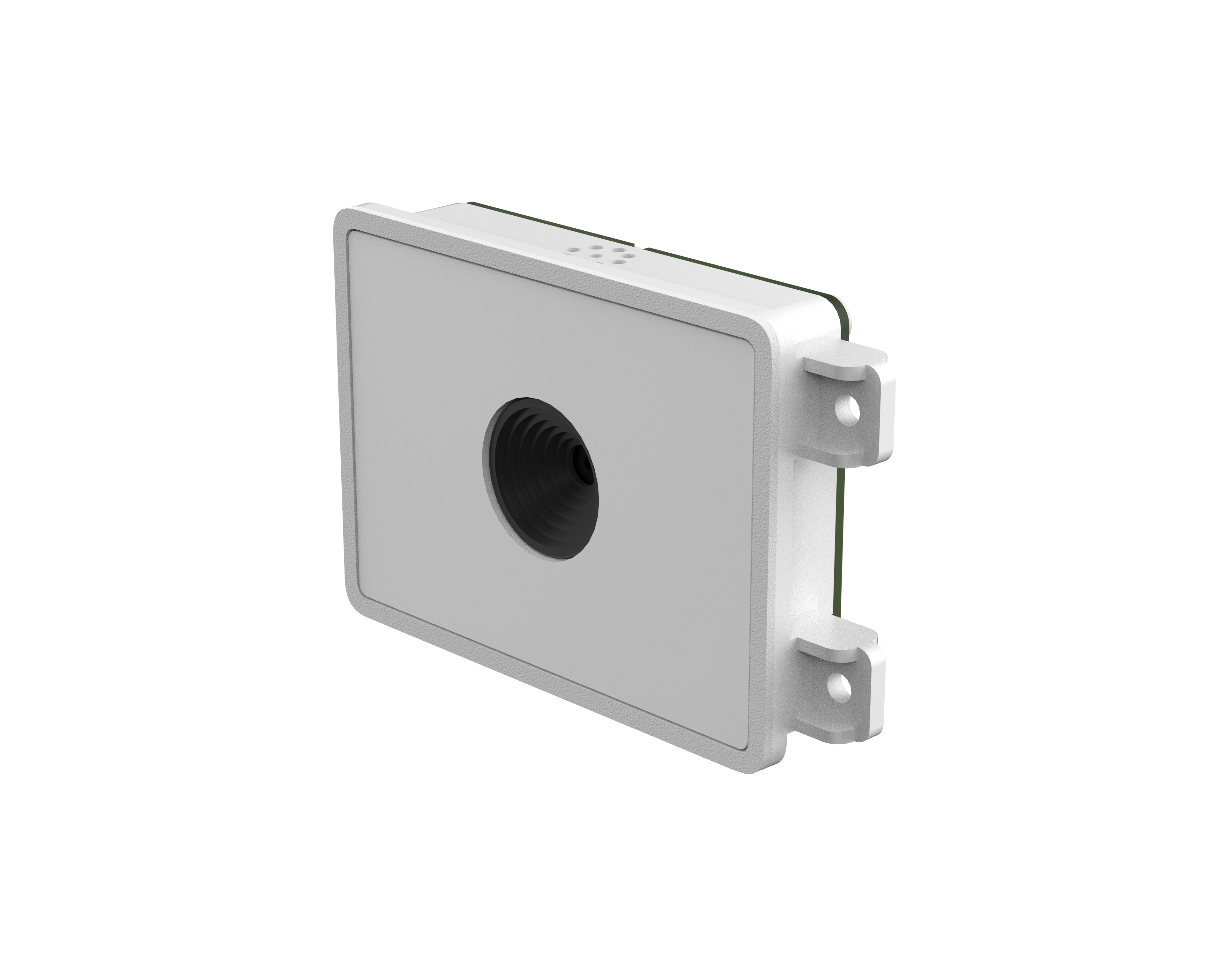
All Xinlong embedded modules read both paper and screen codes (e.g. F4100, XL-F24, XL-F25). Ask the manufacturer for screen-code test videos — not just datasheets.
2. Sensor & decode algorithm
| Parameter | Why it matters | Recommendation |
|---|---|---|
| Sensor resolution | More pixels capture more screen detail | 640×480 minimum, 800×600 better |
| Reading precision | Screen codes are usually large but algorithm-demanding | 1D ≥5mil, 2D ≥7.5mil is fine |
| Decode speed | Kiosks need instant response | ≥3 decodes/second |
| Exposure control | Adapt to screen brightness variation | Auto exposure/gain required |
3. Window design
Don't use plain glass in front of the module — choose anti-reflective coated glass or tilt the window 10°~15° to cut reflections. Use soft illumination; harsh direct light on the screen makes things worse.
3. Real-device test method (do this)
- Phone matrix: Test at least 3 phones — iPhone + Android OLED + Android LCD. Screen quality varies a lot.
- Brightness steps: Test each phone at 100%, 50% and 30% brightness; record read rates per level.
- Screen protectors: Test bare screen, matte film, and tempered glass (worst for glare).
- Ambient light: Test in dim, normal indoor, and bright light (simulating a kiosk near a window or outdoors).
- Continuous scan: Scan 100 times, count failures; read rate should be ≥99%.
4. FAQ
Related Products
Related Articles
Screen-code read rate not good enough?
Send your device scenario, phone models and failure videos — free diagnosis + optimization plan.
📞 Contact Xinlong IoT