XL-F24 Network QR Code Reading Engine: Turnstiles, Access Control & Parking QR Scanning
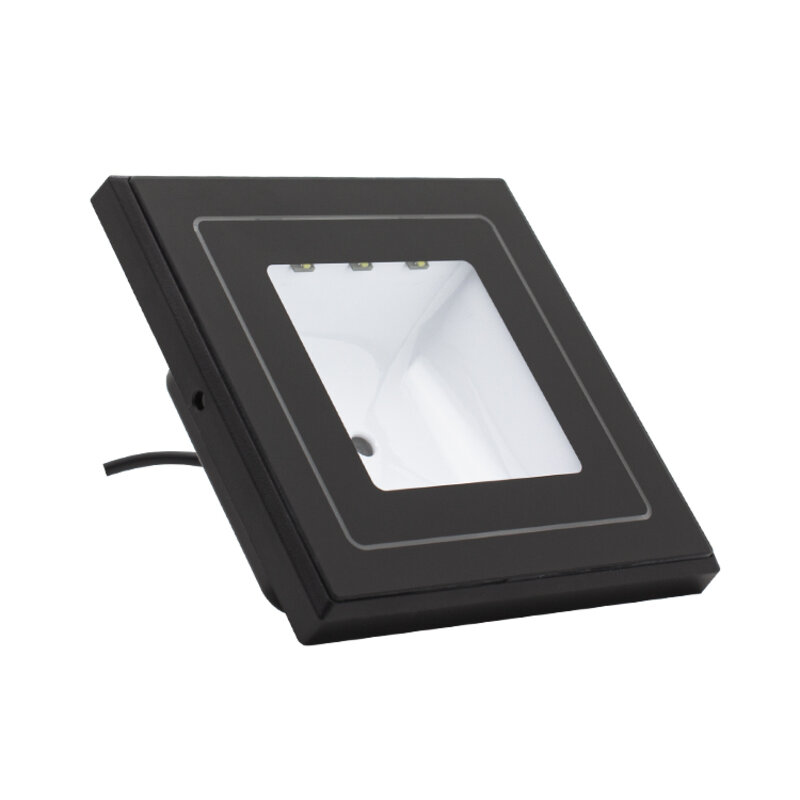
Lobby turnstiles, campus gate readers, parking exit kiosks — they are all replacing "tap a card" with "show a code". The phone becomes the credential: no cards to issue to visitors, no replacements for members, drivers simply scan and go. The component that makes it work is the QR reader buried inside the device. XL-F24 network QR code reading engine is built for exactly this: a 640×480 CMOS sensor with in-house decoding, reading both screen and printed codes, uploading results over the network, ready to drop into turnstile posts, access panels and parking kiosks.
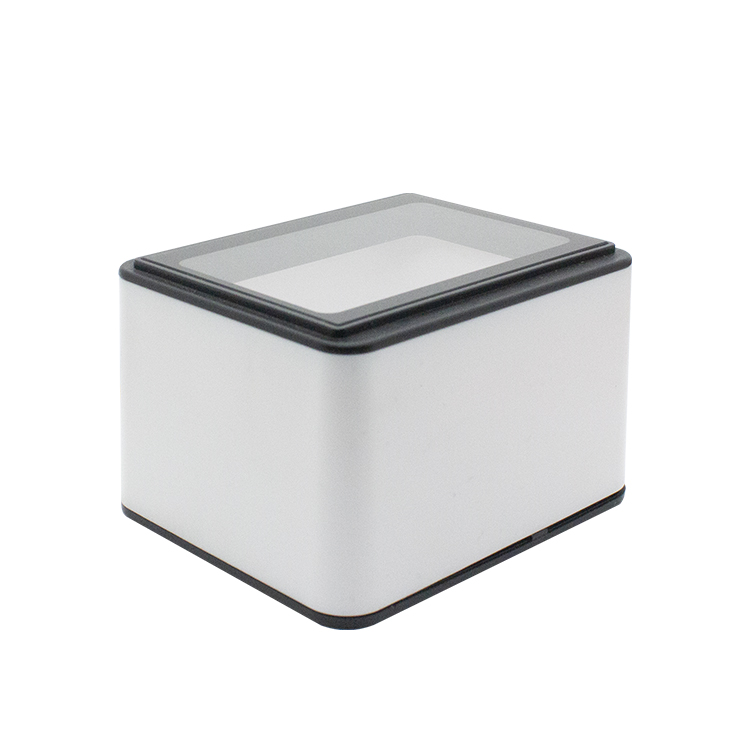
XL-F24 network QR code reading engine · ready to embed in access control hardware
1. Why access control hardware needs a QR reader
Traditional turnstiles and door controllers run on IC/ID cards, and four jobs always need people: issuing cards, replacing lost ones, chasing borrowed ones and collecting them back. Cards demagnetise, get shared between staff, and the access log no longer matches reality. For one-off scenarios — construction site access, event tickets, visitor passes — the card itself can cost more than the hardware.
With QR codes the credential becomes "a code issued by the system". Visitor passes, site access permits, event tickets and parking payment vouchers all land on the same code format at almost zero cost, and every entry and exit is time-stamped. The reader is the only piece of hardware you pay for.
The hard part is reading. Phone screens differ in brightness, many have anti-peep films, surfaces catch glare, and users hold the phone at whatever angle they like. If the read rate drops, queues form at the gate immediately — so the first requirement from integrators is always the same: screen codes must read reliably.
2. What the XL-F24 solves
Reliable screen code reading
A 640×480 CMOS sensor with an in-house decoding core, tuned for phone displays: bright screens, dimmed screens, low contrast and anti-peep film all read consistently, with no need to aim precisely.
Screen codes and printed codes in one reader
Appointment QR codes on a phone, printed visitor passes, paper tickets and membership card barcodes all read by the same module — no need to spec two different readers for different code sources.
Networked data upload
Results go straight to the back-end over the network, removing local conversion hardware. Integration with the turnstile controller or the access management platform gets simpler, and on-site wiring and debugging shrink accordingly.
Compact embedded design
Turnstile posts, access panels and kiosk interiors all have very little free space. The XL-F24 is compact and flexible to mount, and with a shade hood it also works in semi-outdoor positions.
3. Four typical applications
Pedestrian turnstiles (offices, campuses, sites, attractions)
The reader sits in the scanning window of the turnstile post. Users present a QR pass, the result goes to the controller for the open decision; staff codes, visitor codes, worker registration codes and ticket codes can coexist in one system, with every passage logged.
QR access control panels and elevator control
With the module embedded in the door panel, scanning opens the door and can also call the elevator to an authorised floor. When tenants change, permissions are updated in the back-end — no door cards to collect.
Parking exits and self-service payment kiosks
Adding a reader to the exit kiosk lets drivers scan a payment code to pay and leave, reducing booth staffing. Monthly pass holders can use a QR code instead of a physical card, avoiding damaged-card and cloned-card disputes.
Visitor kiosks and self-verification terminals
A QR code issued after online pre-registration is scanned at the kiosk for identity verification and registration, replacing the paper logbook and leaving a cleaner, more auditable record.
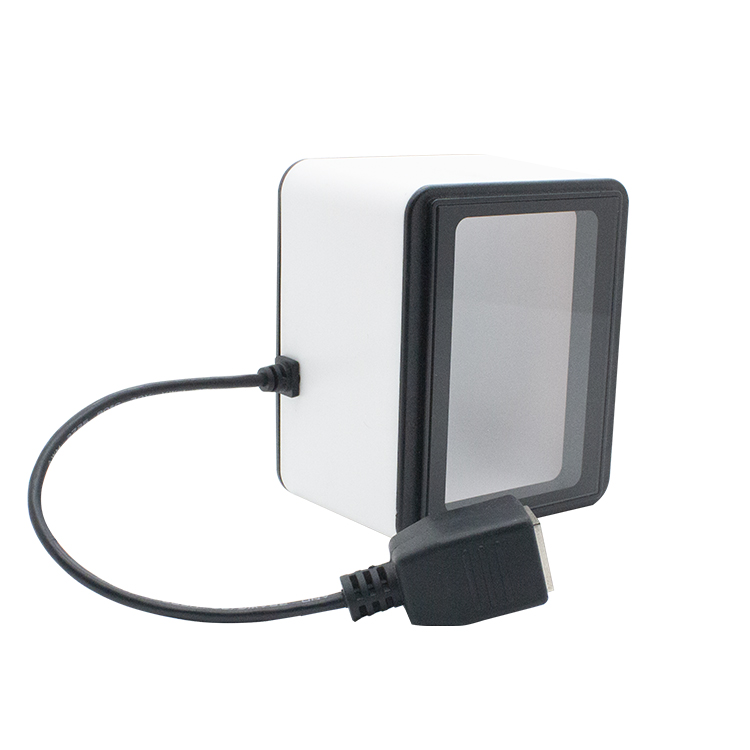
XL-F24 · compact form factor fits the limited space inside turnstiles, door panels and kiosks
4. Selection and integration checklist
Fitting "just a reader" is where field failure rates are decided. Confirm these before building a prototype:
| Item | Recommendation |
|---|---|
| Interface | Match the controller capability — confirm USB, serial or network connection |
| Scan window & distance | Typical window height 5-20 cm; fix the user's hand height first, then the window position |
| Angle & shading | Keep the reader face square or slightly angled to the phone; add a shade hood outdoors to avoid direct sunlight |
| Symbology compatibility | Confirm the existing credential types (1D/2D, screen/printed) and request samples for testing if needed |
| Mechanical fit | Agree window size, mounting holes and cable exit early to avoid a second tooling round |
5. Specifications
| Item | Specification |
|---|---|
| Product type | Network QR code scanner / barcode reading engine |
| Image sensor | 640×480 CMOS with in-house decoding core |
| Reading capability | Screen codes and printed codes fully supported, fast 1D/2D reading |
| Data transmission | Networked data upload, easy to integrate and manage |
| Mounting | Embedded installation, compact design, flexible integration |
| Typical applications | Pedestrian turnstiles, QR access control, elevator control, parking kiosks, visitor terminals, transit POS |
| Service support | Factory-direct, scenario customization and integration debugging available |
Related Products
Related Articles
Not sure which reader fits your turnstile or kiosk?
Tell us your device type, scan distance and credential sources — free sample testing, order only after the read rate satisfies you.
📞 Contact Xinlong IoT