Replacing EOL Scan Engines: 12-Pin and 13-Pin Footprints
When a Tier-1 scan engine goes end-of-life, the quote that arrives next is usually not about optics — it is about everything around it: lead time, allocation, and the cost of re-qualifying a product you already shipped. Replacing the engine is only cheap if the new module keeps the same mechanical and electrical envelope. This guide covers what to verify before you commit.
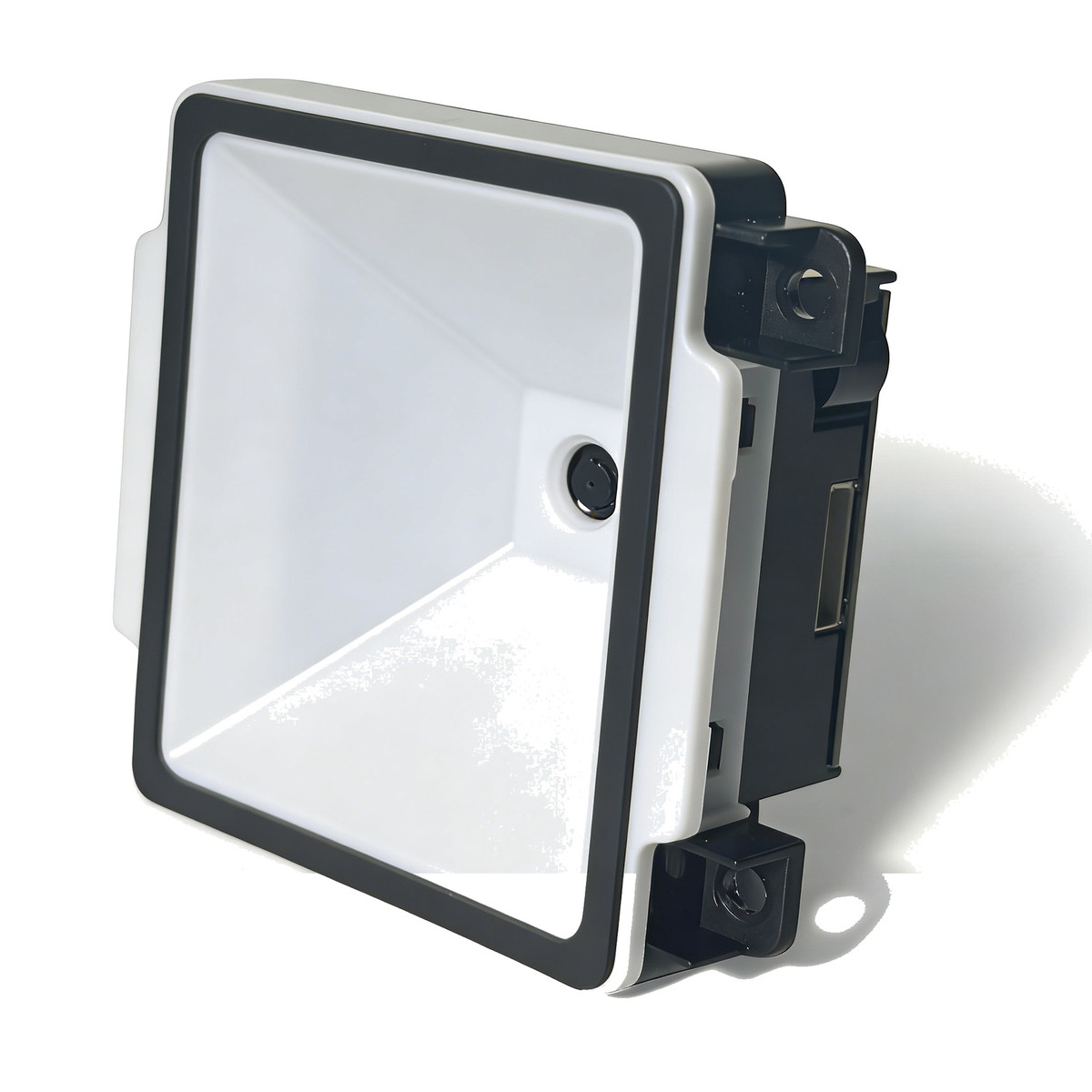
Connector type, pin pitch and cable exit direction matter as much as the optical specification
1. Confirm the footprint, not just the pin count
Two engines can both be described as "12-pin" and still not fit the same socket. Before comparing anything else, measure four things on the existing part:
- Pitch and row spacing — 12-pin 0.5 mm and 13-pin 0.3 mm ZIF connectors are common, but 0.3 mm and 0.5 mm are not interchangeable.
- Contact side — top-contact and bottom-contact FPC sockets take the same cable in opposite orientations.
- Cable exit direction — a module that exits upward where the old one exited sideways will not fit the same cavity, even with identical pinouts.
- Overall envelope — height is usually the constraint, not length. Our E600, for example, is 55.1 × 32.9 × 11.9 mm and under 15 g, which is what makes it usable in slim panels.
Ask for a mechanical drawing with tolerances, not a photograph. A 0.2 mm difference in mounting-ear position is enough to require a new tooling revision.
2. Map the pinout signal by signal
Pin numbering is not standardised across vendors. Work through the existing schematic and confirm each line: VCC, GND, TXD, RXD, USB D+, USB D−, trigger, and any wake or beep output. Pay attention to voltage: some modules are 5 V only, others accept 3.3–5 V. The F4100, for instance, uses a 10-pin SH-1.0 mm connector with a dedicated trigger pin and 3.3–5 V input, while ultra-slim modules such as the E600 run from 3.3–5 V over USB or TTL-232.
If a pin you rely on has no equivalent, stop there — that is a hardware change, not a sourcing change.
3. Check the firmware protocol before the optics
Most host software talks to the engine with a small set of commands: trigger, aimer on/off, illumination, prefix/suffix, and configuration. If the replacement uses a different command set, the host application needs a rewrite — which is usually more expensive than the module itself.
Ask the supplier whether they can map your existing HEX commands onto the new firmware. This is a normal OEM request, and it turns a software project into a configuration file. Get the answer in writing before ordering samples.
4. Re-check depth of field and field of view
Even a mechanically identical engine can change the optical geometry. Two numbers decide whether the fixture still works:
- Depth of field — if the old engine read at 40–200 mm and the new one starts at 60 mm, every part at the near end of the tolerance band becomes a no-read.
- Field of view — a narrower field means the operator must position the part more precisely; a wider field reduces pixels per module and can hurt small-code reading.
Compare the numbers for the code you actually scan, not for the best-case demonstration code on the datasheet.
5. Qualify with real parts, then commit
Run at least 200 reads per code type on production samples, at the real working distance and lighting, and record misses and misreads separately. Misreads are the dangerous failure: a missed read stops the line, a misread silently writes the wrong serial number. If the marks are laser DPM or low contrast, grade them to ISO/IEC 15415 or 29158 first — no engine will fix a mark below grade C.
Where to start
For kiosks and panel-mounted stations, the F4100 covers 40–200 mm on 13 mil codes with a 10-pin SH-1.0 mm interface. For ultra-slim enclosures, the E600 is 11.9 mm thick with a 12–200 mm range and ≥0.8 m/s motion tolerance. For wearable and micro-engine footprints, the XL-M100P uses a 13-pin 0.3 mm interface. Full dimensions, pin definitions and current draw are in each datasheet.
If you are replacing an engine that is going EOL, send us the existing part number, the pinout and the host command set. We will tell you whether a standard module fits, or whether the PCB outline needs a revision — before you commit to tooling.
Related reading
Replacing an engine that is going EOL?
Send the part number, pinout and command set. We will check fit before you commit to tooling.
📞 Talk to engineering